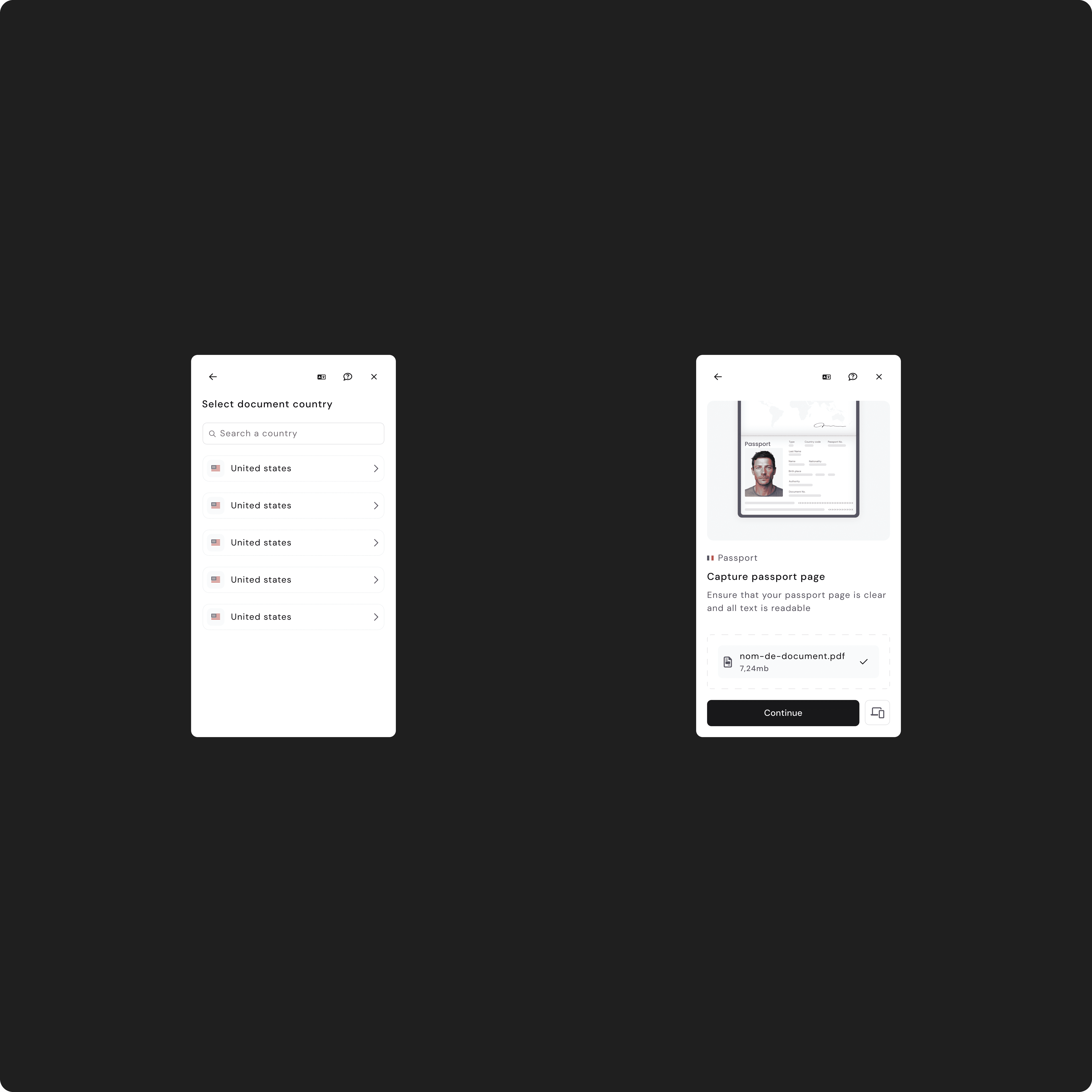
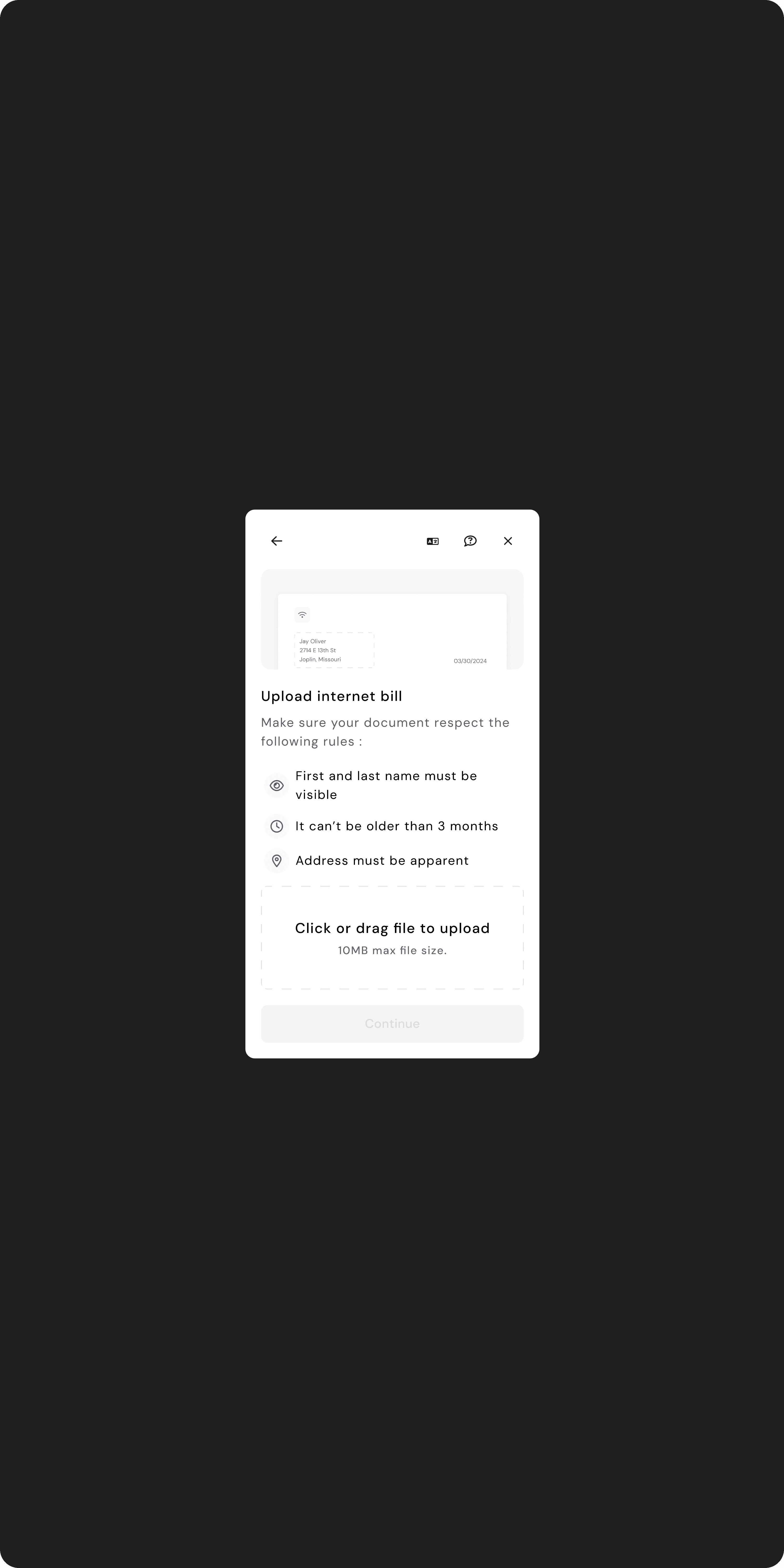
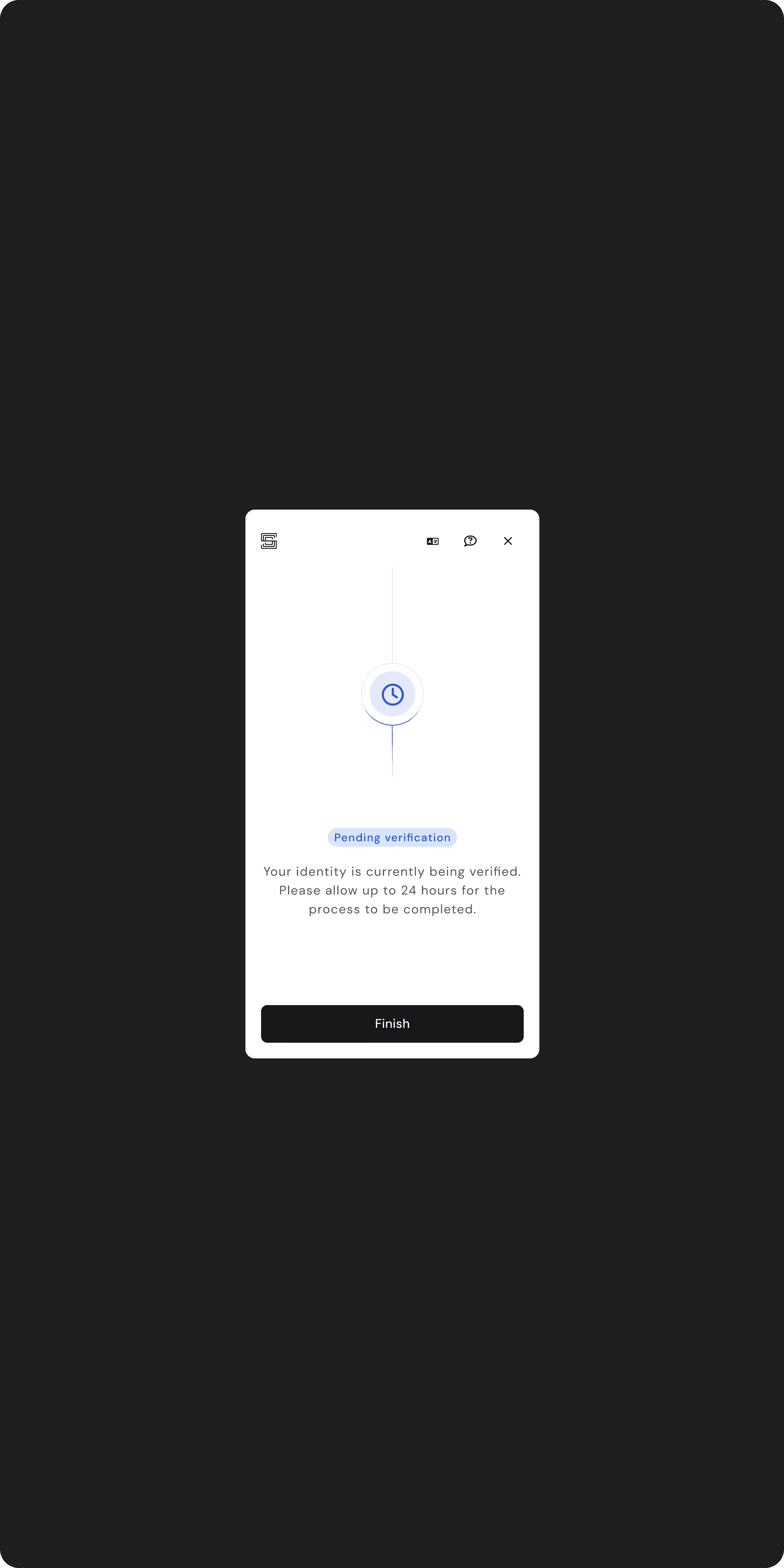
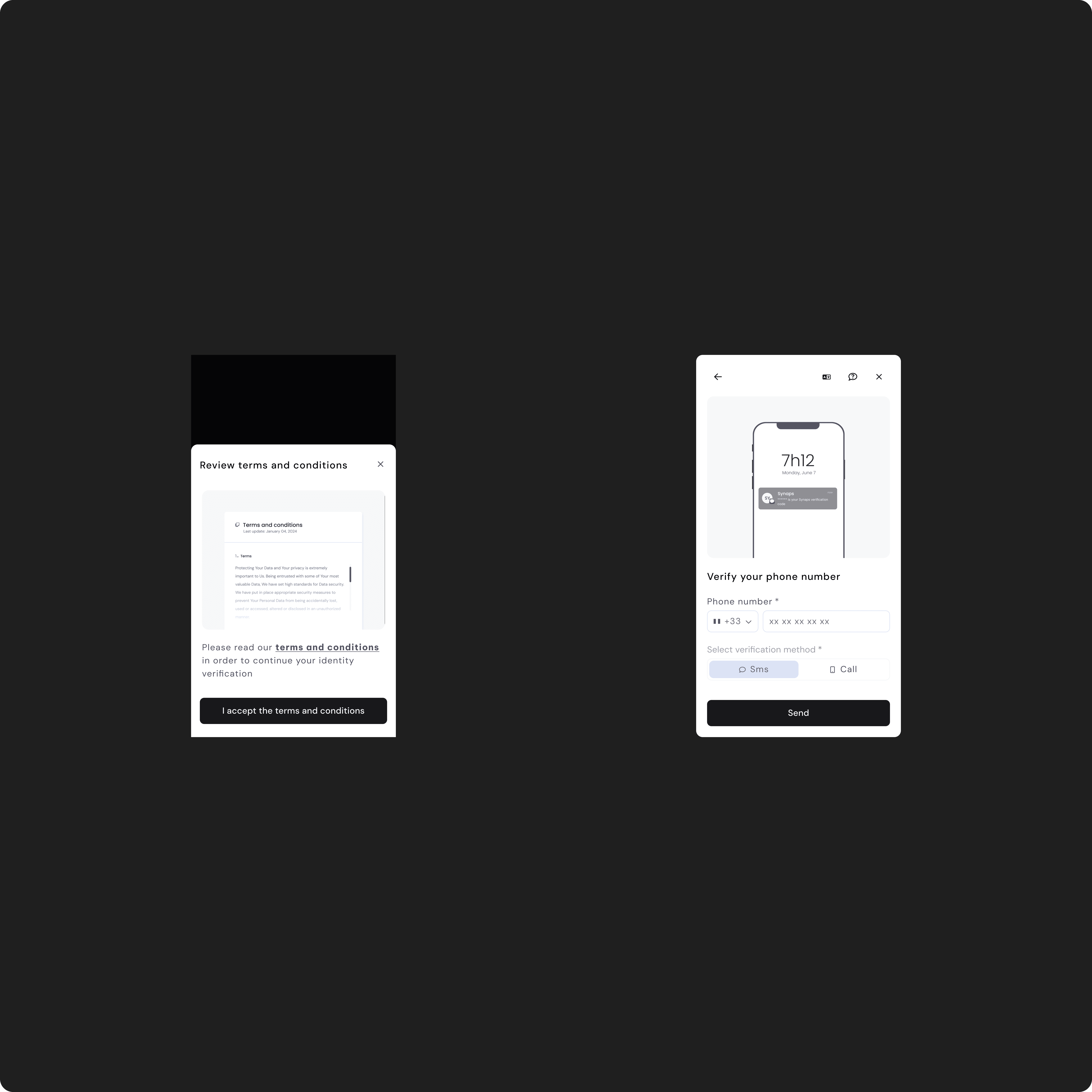
Verify
Synaps' Verify product had a problem hidden behind a third-party black box: in geographies with lower-end devices, a meaningful share of users couldn't pass step one of the verification flow. With a major client launch in six weeks, I designed a multi-device fallback hardcoded into all twenty white-labeled client flows bringing verification within reach of users who previously couldn't complete it, with no integration effort from any client.
The problem
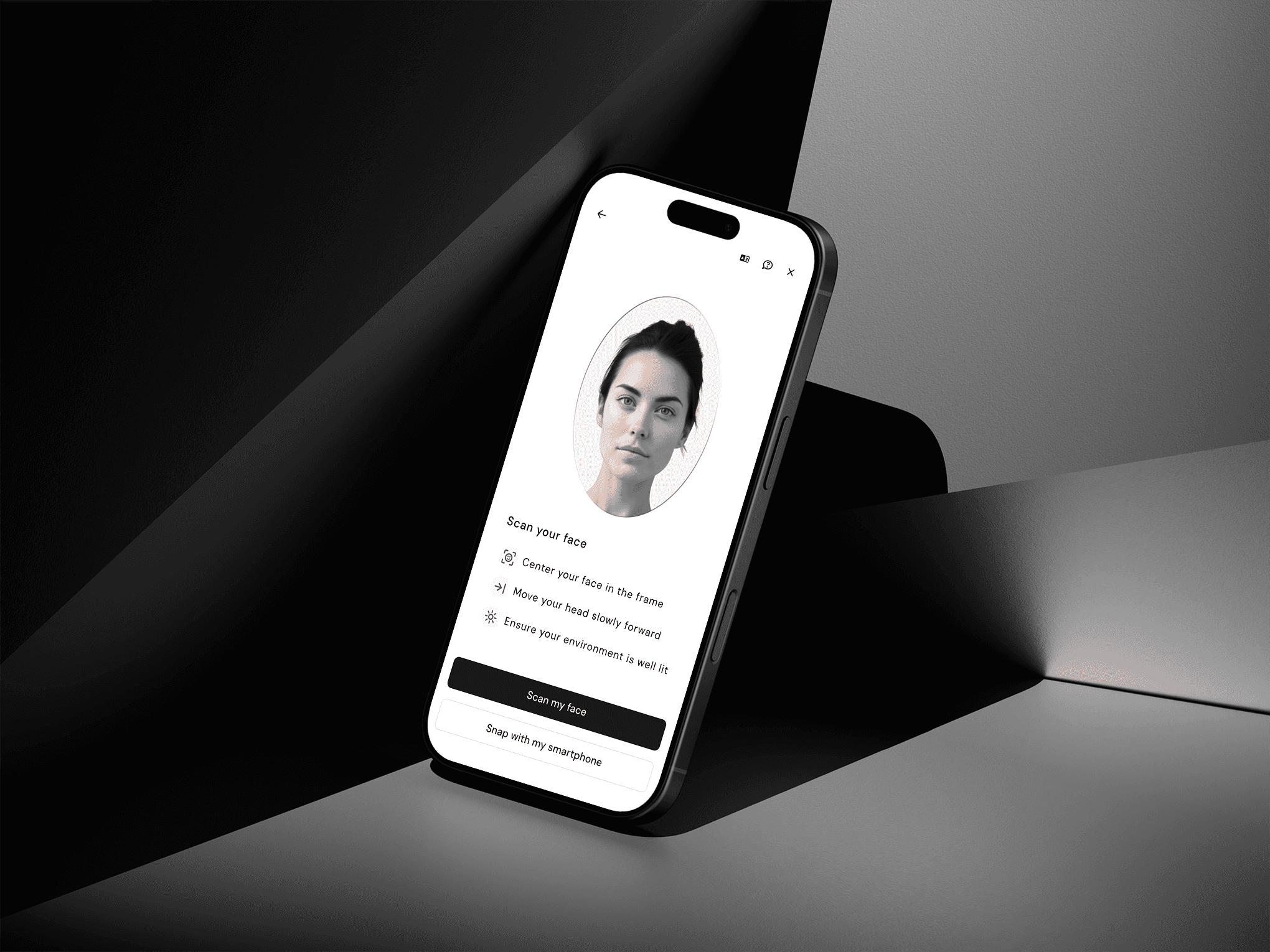
The Face Recognition step was the first real friction in the verification flow. Users were asked to capture their face on their current device, the image was sent to an external Face Recognition provider, and the response pass, retry, fail gated everything that came after.
The provider was a third-party black box. We had no technical leverage to negotiate its thresholds, no access to its internal logic, and no ability to soften its rejections. It required a minimum level of camera quality, ambient light, and contrast. When those weren't met, the step failed.
In some geographies particularly Pakistan and parts of Africa, where our clients had real and growing user bases those minimums weren't met often enough to be ignored. The drop-off concentrated visibly in a step that was supposed to take twenty seconds. Each failure was a user who couldn't reach the rest of our clients' product.
With a critical client launch incoming in six to eight weeks and a new verification flow attached to it, the question shifted from "is this a problem we should look at" to "how do we ship something that meaningfully changes this curve before launch."
How we find it
The signal came first from our own backend dashboards: step-one drop-off was elevated, and elevated in a non-random way across geographies. The pattern was clear in aggregate, but the cause was not.
The obvious next step replaying sessions was closed to us. Verify's compliance requirements meant that all identity documents and biometric captures were blurred in our session-replay tooling. The very screens we needed to understand were the ones we couldn't see.
So we triangulated. Three methods, three angles:
Quantitative analysis on the backend metrics to confirm the geographic concentration and identify the exact point of failure in the flow.
User interviews with affected users in the concerned regions, surfacing context the metrics couldn't (ambient conditions, device age, behaviors during capture).
Internal QA with a deliberately diverse range of devices we sourced to reproduce the failures locally a low-end Android in a low-light room reproduced the issue within minutes.
The picture that emerged was specific: the failure wasn't a UX problem in the conventional sense. The user wasn't confused. The capture wasn't unclear. The device, in those conditions, simply couldn't produce an image the external provider would accept. Designing better instructions wouldn't fix that. Designing around it would.
Constraints
Three constraints shaped every option we considered:
We couldn't change the FR provider the integration cost and lead time made it incompatible with the six-week deadline.
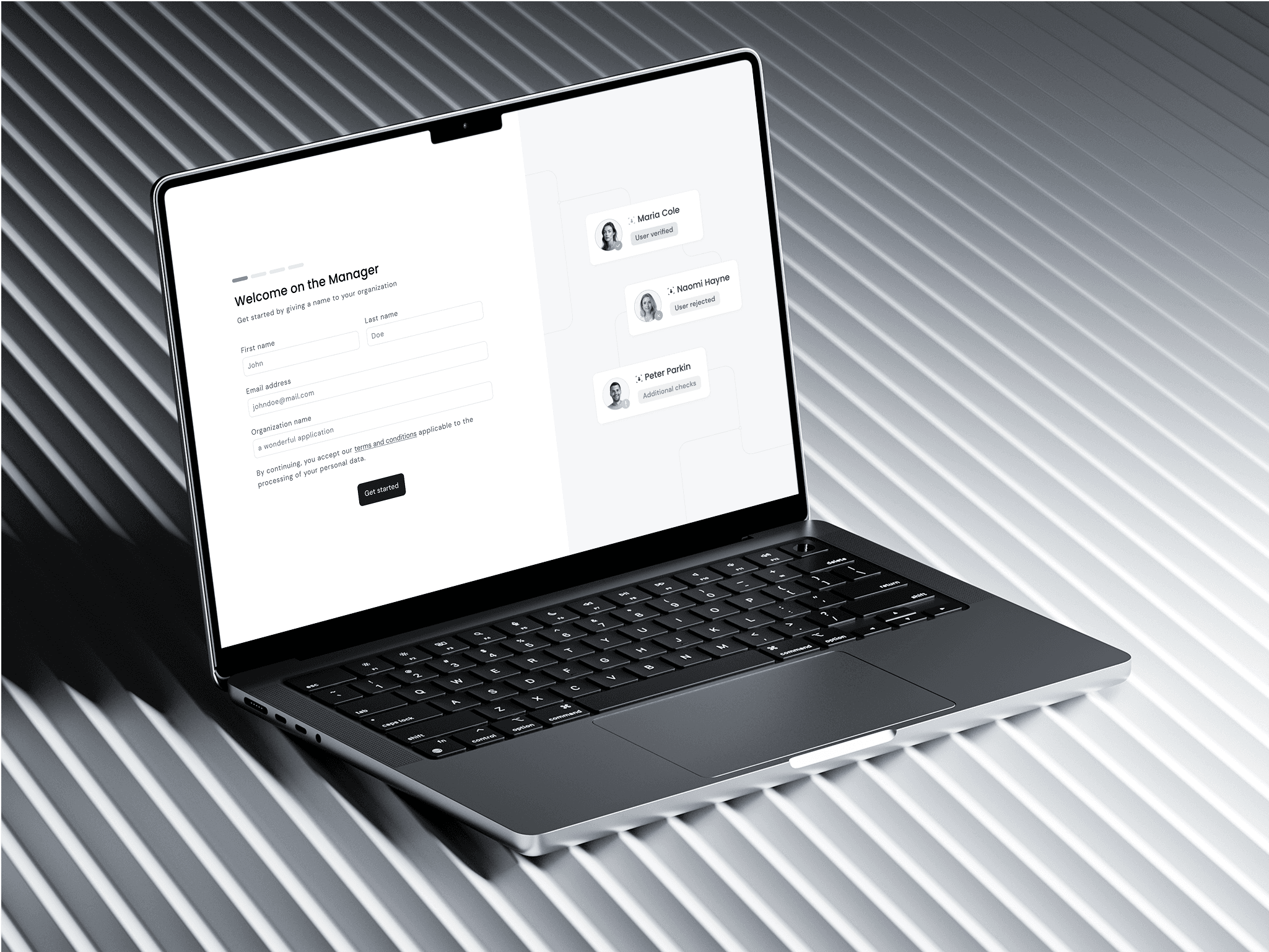
Whatever we shipped had to deploy automatically across the twenty white-labeled client flows, without requiring any engineering effort from clients and without breaking their existing branding or step customization.
We couldn't introduce a regression for users on capable devices, who today completed step one in under thirty seconds.
Approach
We explored three directions before converging.
Direction one — Replace the FR provider. Rejected on timeline. A migration of that scale wasn't feasible in six weeks, and didn't necessarily solve the root problem anyway: another provider would have its own thresholds.
Direction two — Add inline help: lighting tips, retry prompts, device guidance. We kept this as adjacent content, but on its own it wasn't enough. Better instructions don't change what a camera sensor can produce.
Direction three — Build a path off the current device. If the user's primary device can't pass the threshold, give them a way to use one that can. This was the direction we took.
The shape of the final solution: on the Face Recognition screen, two paths surface from the start, not after a failure.
The user can capture on their current device the primary path, unchanged for the majority for whom it works.
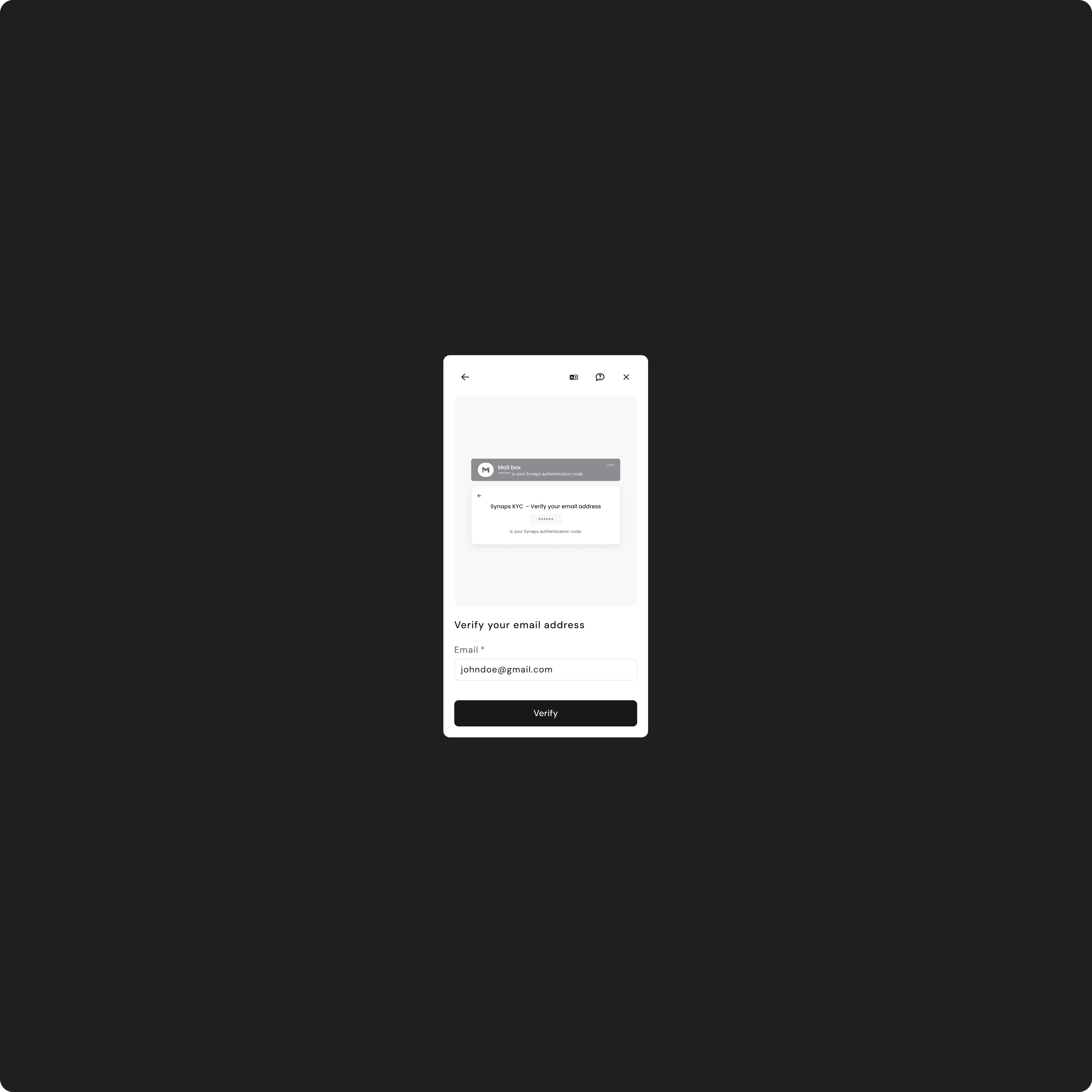
Or they can switch to a phone, via a QR code visible on screen, or via a URL they can copy and paste into a browser on any other device.
When they switch, the session is handed off seamlessly: they complete the capture on the second device, the desktop session updates, and they continue the rest of the flow on their original device. The hand-off is bidirectional a user starting on mobile and finding their camera insufficient can also switch to desktop or another phone.
Two design calls that defined the solution
Hardcoded into the flow, not toggleable through Manager.
My instinct, at first, was to ship the device switch as a feature clients could enable per flow via Manager. It would have been consistent with the rest of our Manager surface most flow elements were configurable per client.
I argued the other way. The value of the feature was universal, no client would deliberately turn off a fallback that increased their conversion. Making it configurable would have introduced friction (clients needing to know it exists, opt in, test it), delayed adoption, and reduced the impact of the work. Hardcoding it meant that the day we shipped, all twenty client deployments benefited at once, with zero integration effort on their side. The configuration surface area is a cost; here, that cost wasn't justified.
It's a question I've internalized since: is the configurability worth the friction it imposes? When the answer is no, ship the opinionated default.
Two switch methods, not one QR and URL.
A QR code is the obvious mechanism. But the population we were designing for had cameras whose quality was the very reason they were stuck. A QR code scan, on those same cameras, isn't always a given.
The URL fallback existed for that case: the user could read a short URL on the screen and type it into a browser on any device with a usable camera. It looked redundant in usability tests on premium devices. It wasn't.
Result
Design for the constrained twenty percent, not the median user. It's easy to optimize for the happy path, especially under deadline. The real product impact often lives in the edge cases — and edge cases at scale are not edge cases anymore. The geographies we designed for weren't peripheral; they were where our clients were growing.
Discovery under compliance constraints is a real skill. When you can't watch sessions, you triangulate. The combination of backend metrics, user interviews, and internal QA gave us better signal than any one method on its own. That triangulation is a method I've kept since.
Hardcoded beats configurable, when the value is universal. Configurability is good when the choice matters. When no rational client would choose differently, the configuration surface is just friction. That's a question I now ask earlier in the design of any cross-tenant feature.